

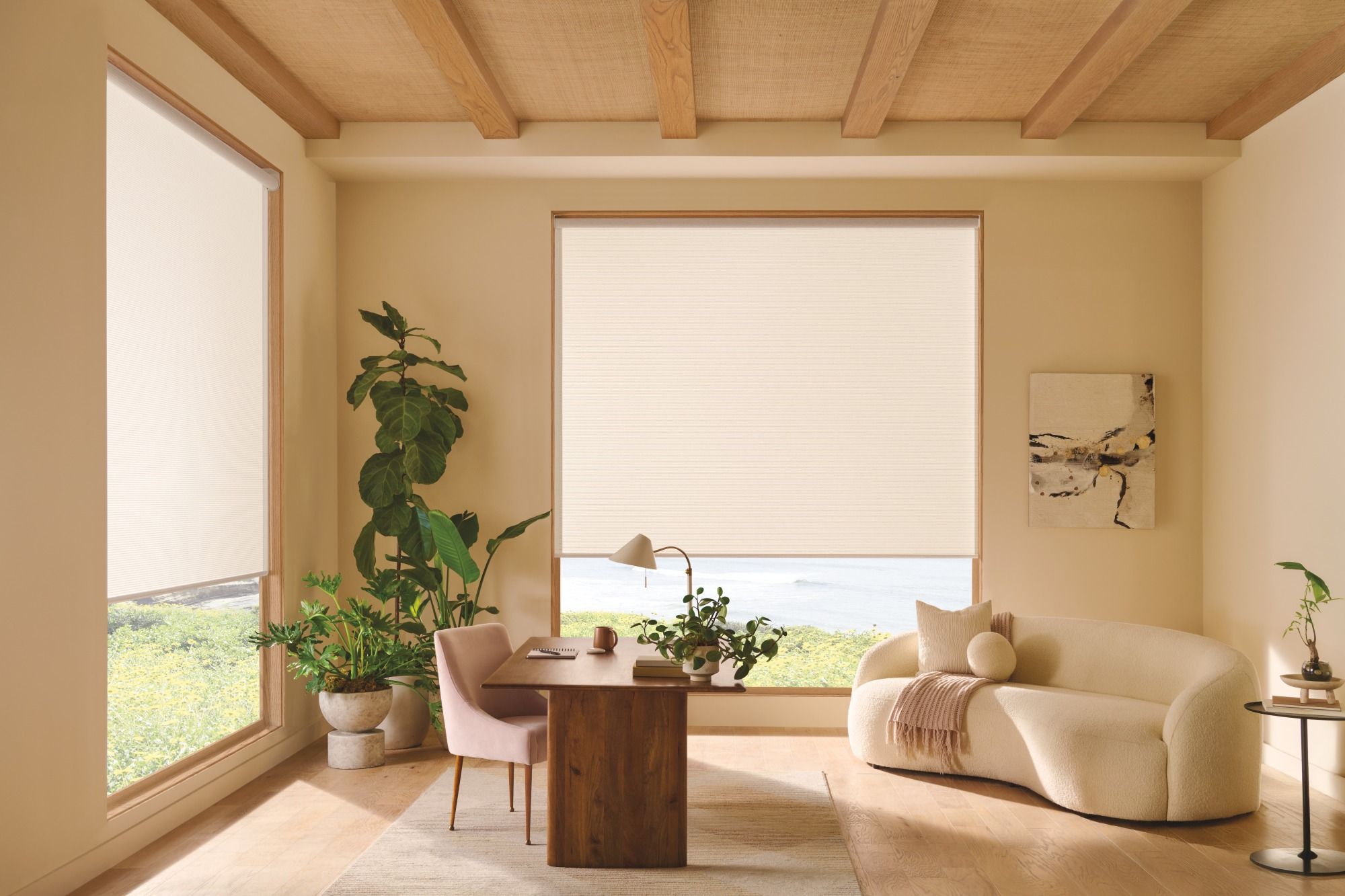
PowerView® Automation
Smart, motorized shades
Your shades, moving to your schedule. Hunter Douglas PowerView® Automation puts your home's light at your fingertips — by remote, app, schedule or voice.
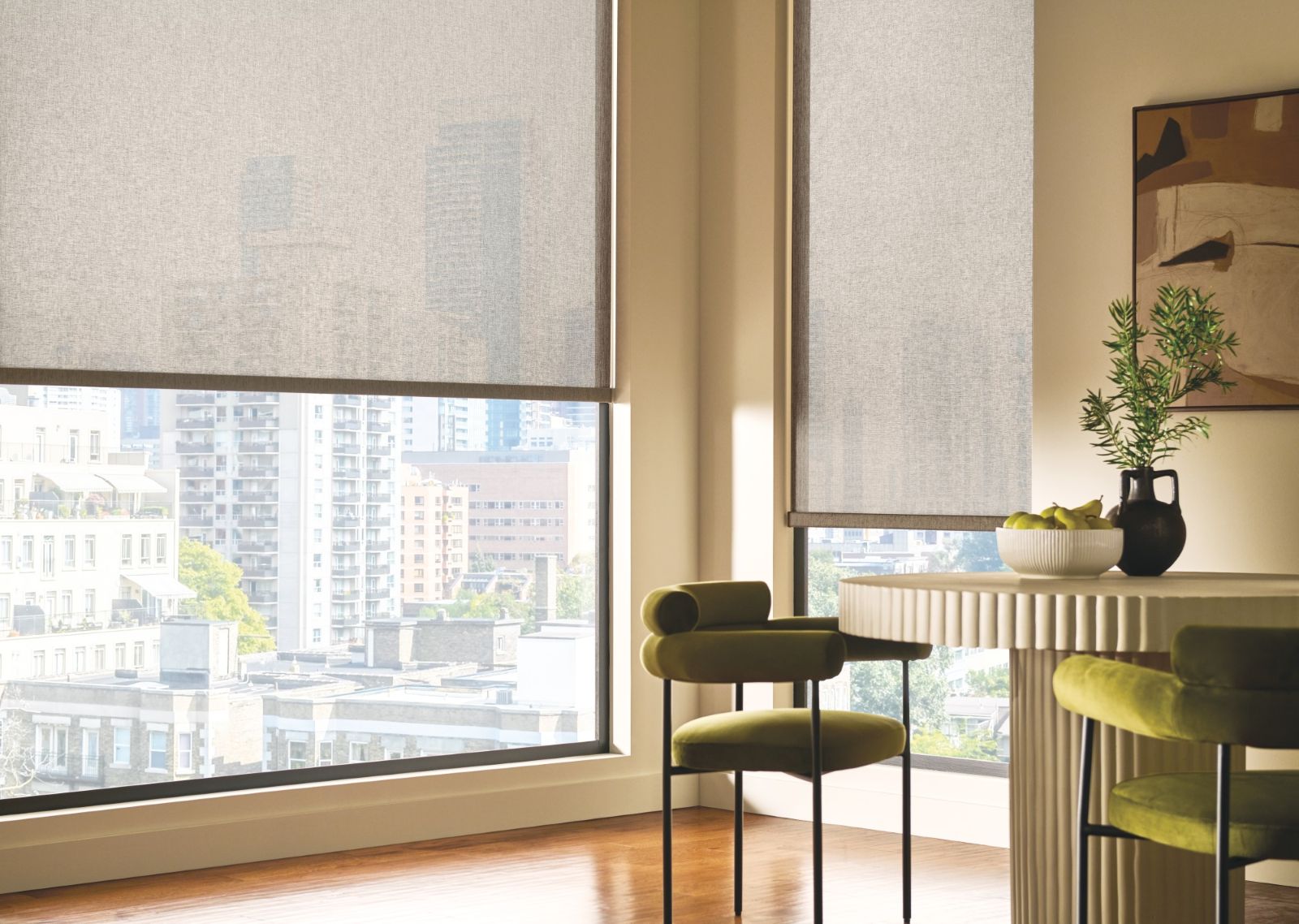
Moving to Your Schedule
Precise, effortless control
PowerView shades talk with the system in real time using two-way Bluetooth® technology, so they're always exactly where you want them, exactly when you want them. Set a schedule once and your shades quietly take care of themselves — morning, noon and night.
PowerView Automation (Gen 3) was named Automated Shade Product of the Year with a 2023 Mark of Excellence Award from the Consumer Technology Association.
Request a ConsultationWhy Smart Shades?
The benefits of motorization
Convenience
Move one shade or every shade in the house with a button, a tap on your phone, a schedule or your voice.
Privacy
Have shades close automatically at sunset — or any time you choose.
Energy Efficiency
Schedule shades to block midday heat in summer and hold in warmth on winter nights.
Security
Shades that open and close on a schedule give your home a lived-in look while you're away.
Child & Pet Safety
No lift cords at all — a safer choice for homes with little ones and pets.
Control Options
Control your way
Mix and match — every PowerView home can use any combination.

PowerView® Pebble® Remote
A smooth, sculpted handheld remote that moves individual shades or whole groups. It won a 2023 iF DESIGN AWARD.

Wall Controls
Mount a Pebble control on the wall, like a light switch, to run favorite scenes with one press.

PowerView® App
Adjust shades from your phone, create scenes and set schedules — at home, or from anywhere with a PowerView Gateway.

Voice & Smart Home
Ask Alexa, Google or Siri to open the living room, or tie shades into a whole-home automation system.
Smart Home Compatibility
Works with your smart home
With a PowerView Gateway, your shades join the devices and systems you already use.
Amazon Alexa
“Alexa, open Bedroom Left.”
Google Home
“Hey Google, close the shades.”
Apple Home & Siri
Works through Matter with PowerView Gen 3.
Control4
Certified PowerView driver for professional systems.
Crestron
Fully integrated with Crestron automation.
ELAN
Control from any smart device, at home or away.
Josh.ai
Natural-language voice control for luxury homes.
Bond, Brilliant & Clare
Manage shades alongside lights, locks and security.
Power Options
Powered for every window
From batteries you'll rarely think about to hard-wired installs in new construction, we'll choose the right power source for each shade.
- Rechargeable Battery Wand
- Mounts discreetly on the shade; lasts about a year between charges and recharges in place.
- Solar Charger
- Keeps a rechargeable wand topped up with daylight, so most windows never need manual charging.
- Internal Rechargeable Battery
- Hidden inside the headrail of Designer and Alustra® roller shades; about a year per charge.
- Alkaline Battery Wand
- Swap standard batteries without taking the shade down; about a year of use.
- Satellite Battery Pack
- Mounts on a wall or sill — ideal for high windows; the C-size version lasts about three years.
- Plug-In Power Supply
- Plugs into a standard outlet; one supply can power up to 16 window treatments on larger projects.
- Hard-Wired
- Building or renovating? Shades can be wired directly for power — nothing to charge, ever.
Schedules & Scenes
Set it once, enjoy it every day
- ✦Trade your alarm clock for bedroom shades that open with the morning light.
- ✦Let kitchen shades rise while you're having breakfast.
- ✦Close every shade in the house at sunset with one evening schedule.
- ✦Keep the house cooler by lowering sun-facing shades in the heat of the day.
- ✦Have shades move at set times while you travel so the house looks lived-in.
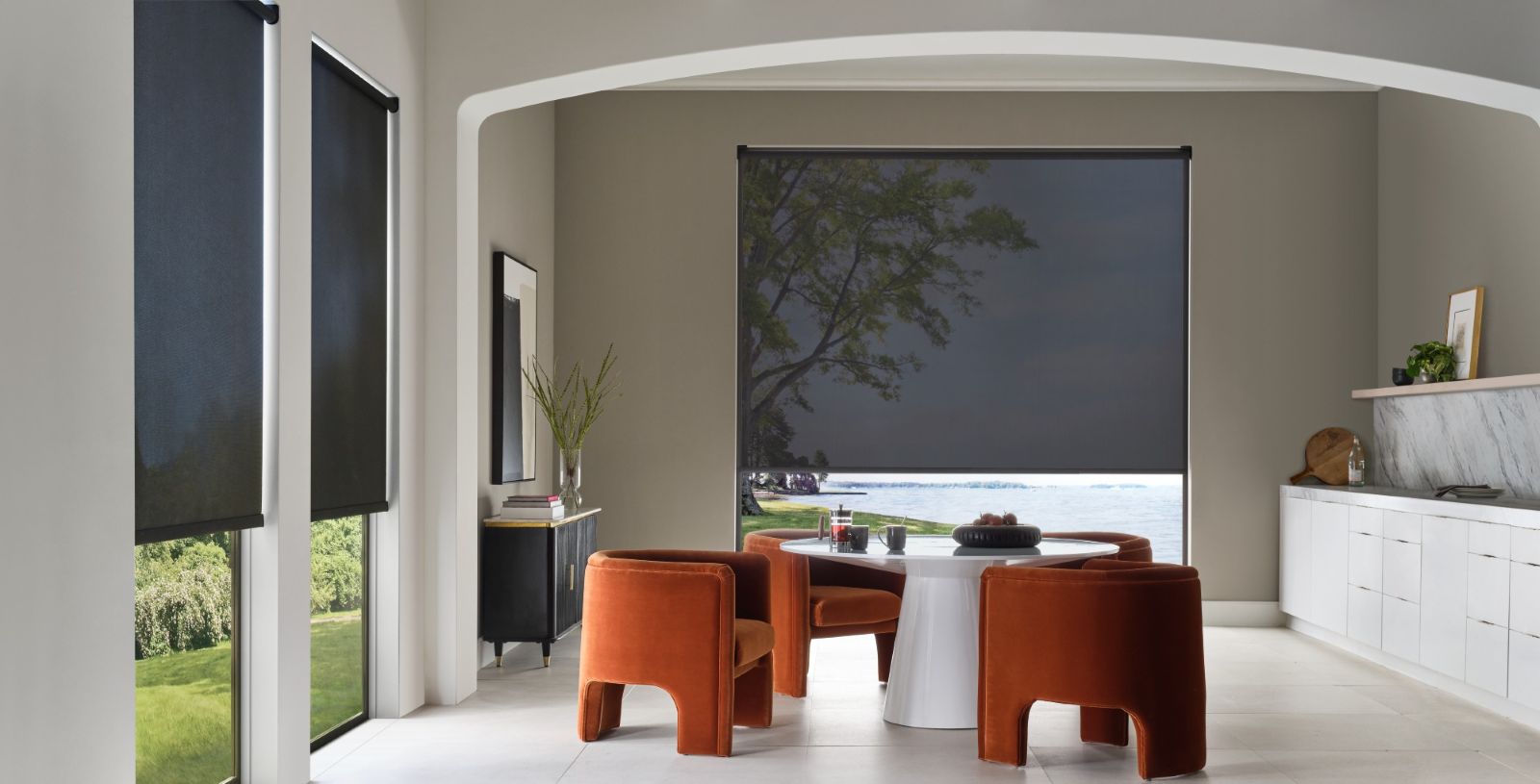
Styles with PowerView
Products you can motorize
Motorization is available across Hunter Douglas shades, sheers, blinds, drapery and select shutters.
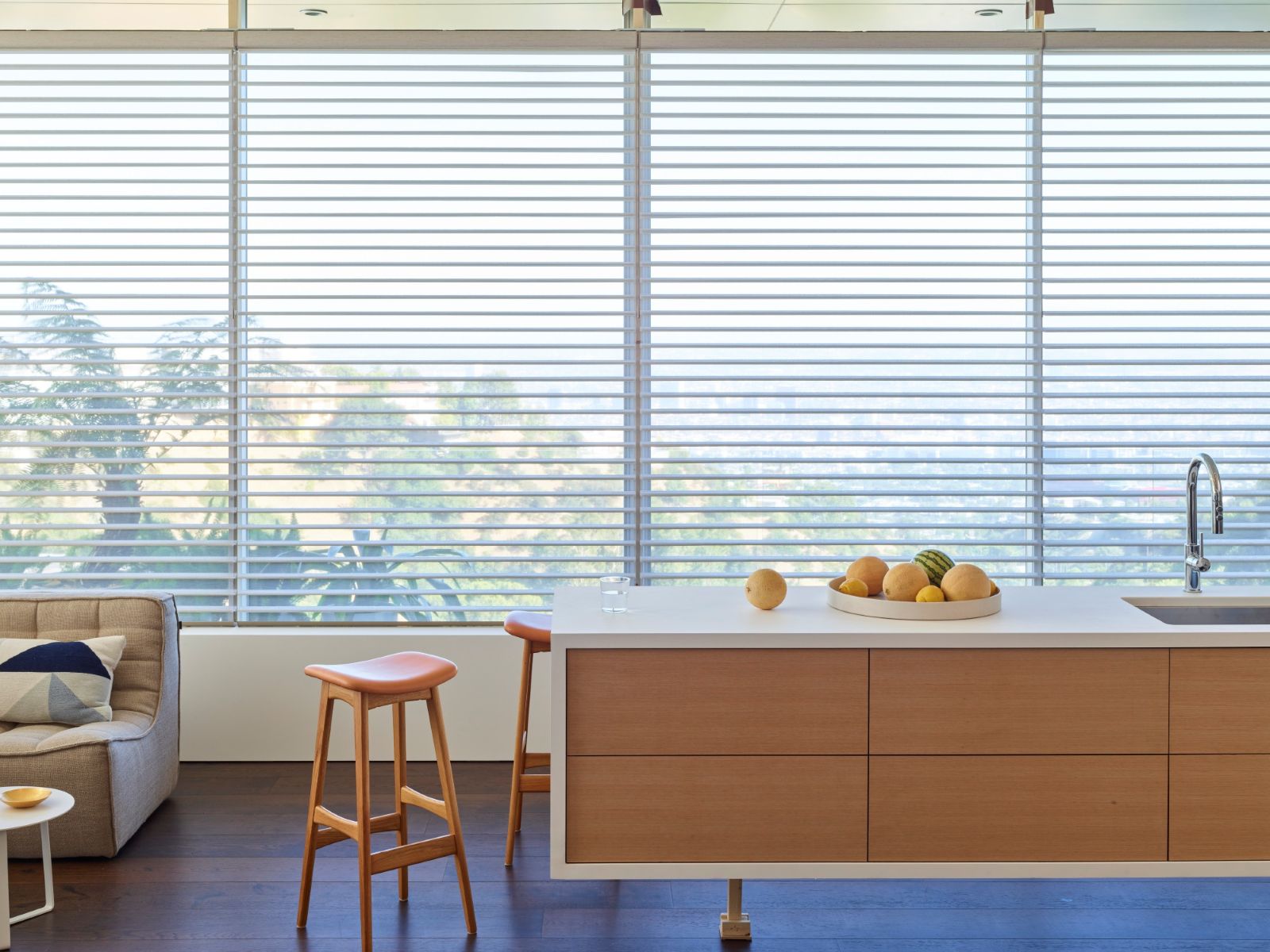
Silhouette®
Sheer Shades
Explore Silhouette® →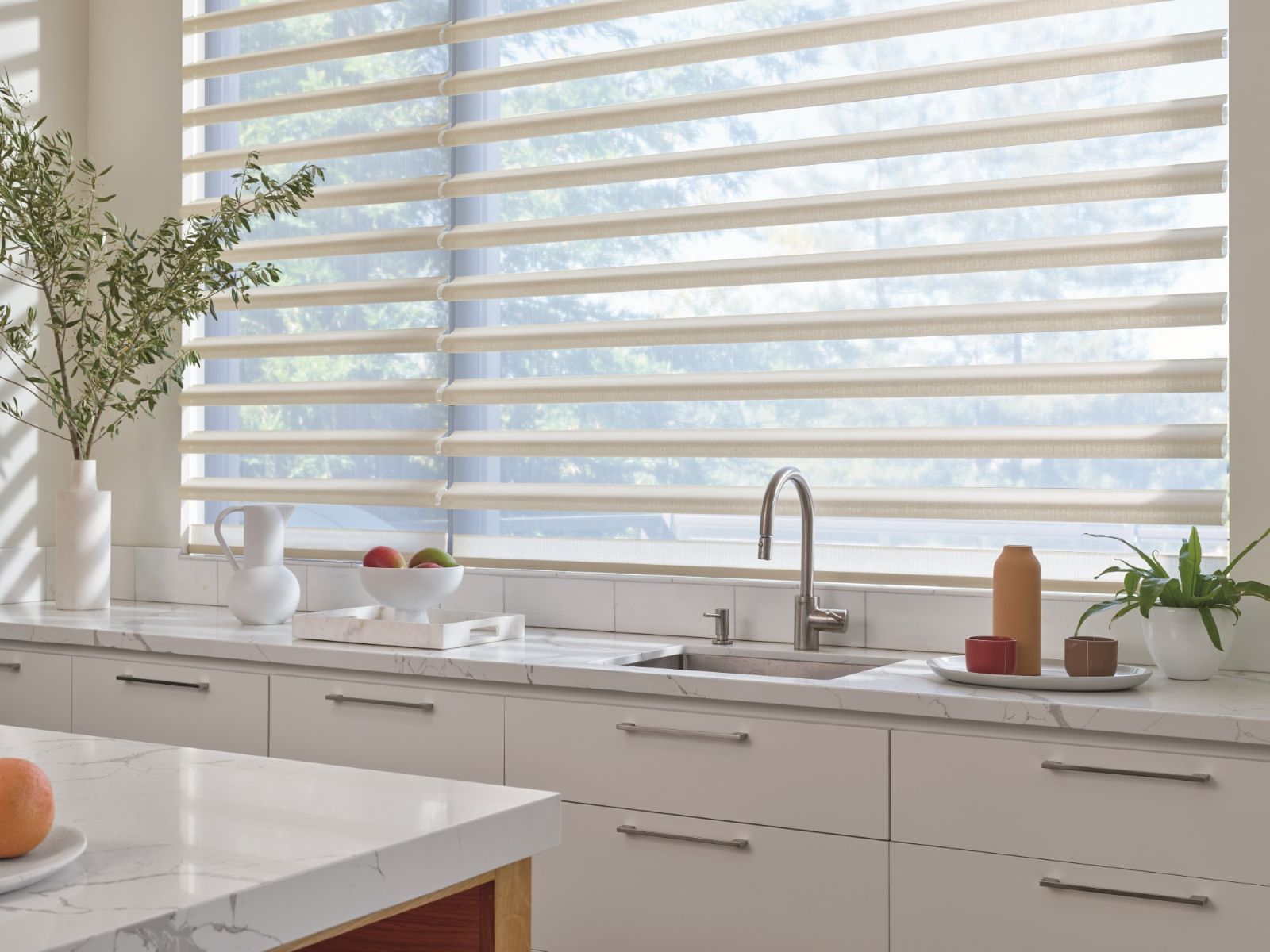
Pirouette®
Sheer Shades
Explore Pirouette® →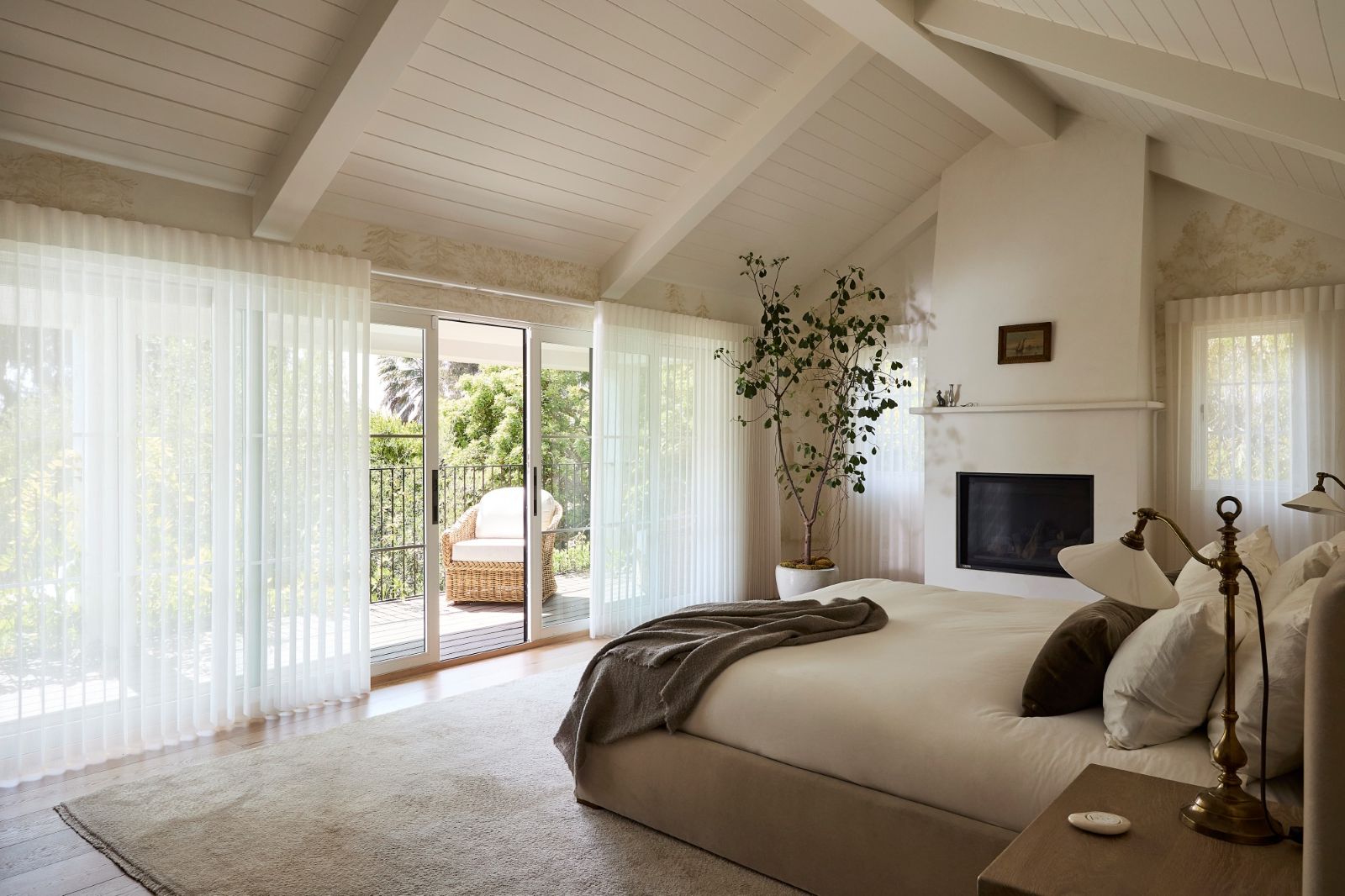
Luminette®
Sheer Panels
Explore Luminette® →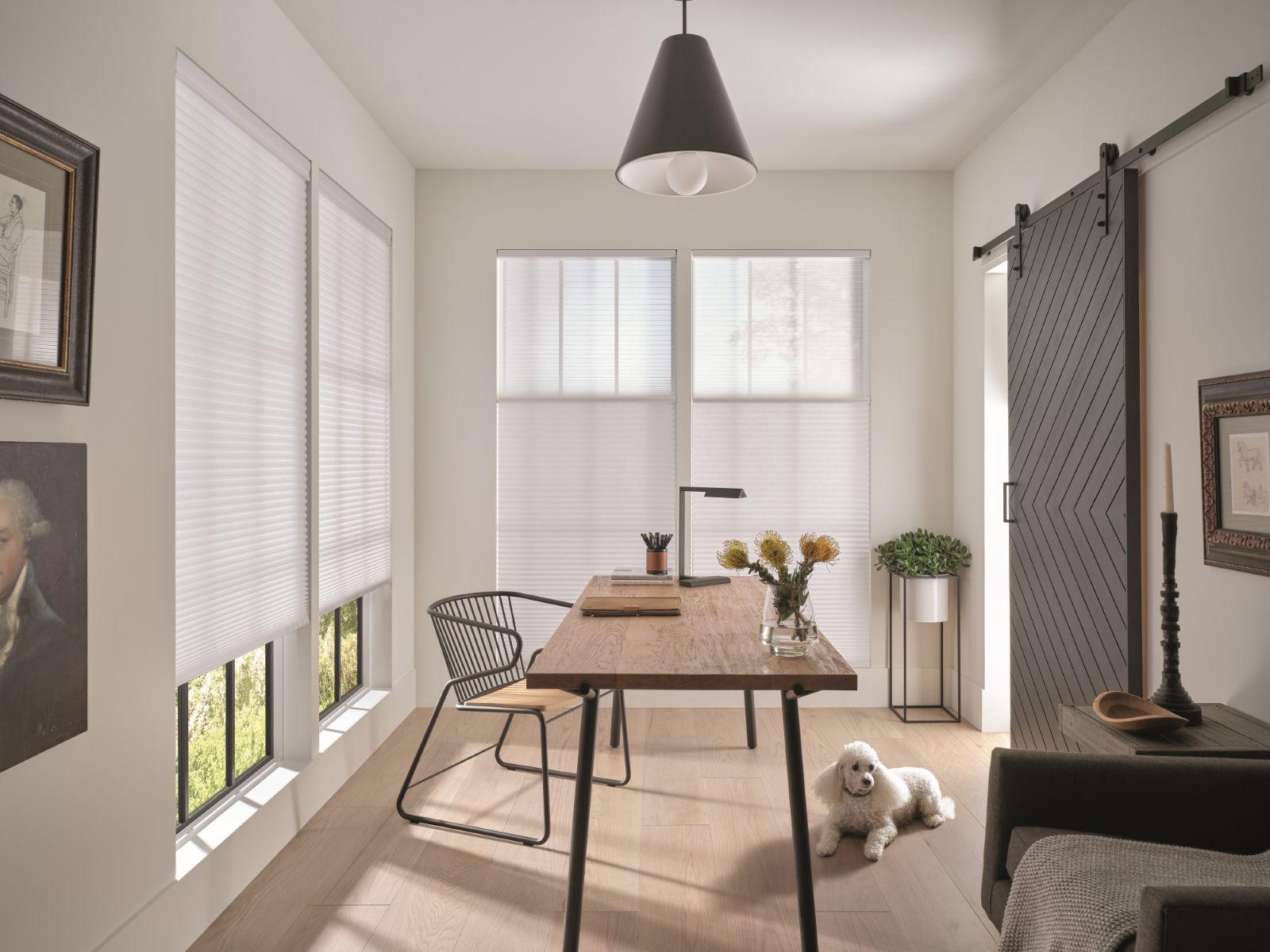
Duette®
Honeycomb Shades
Explore Duette® →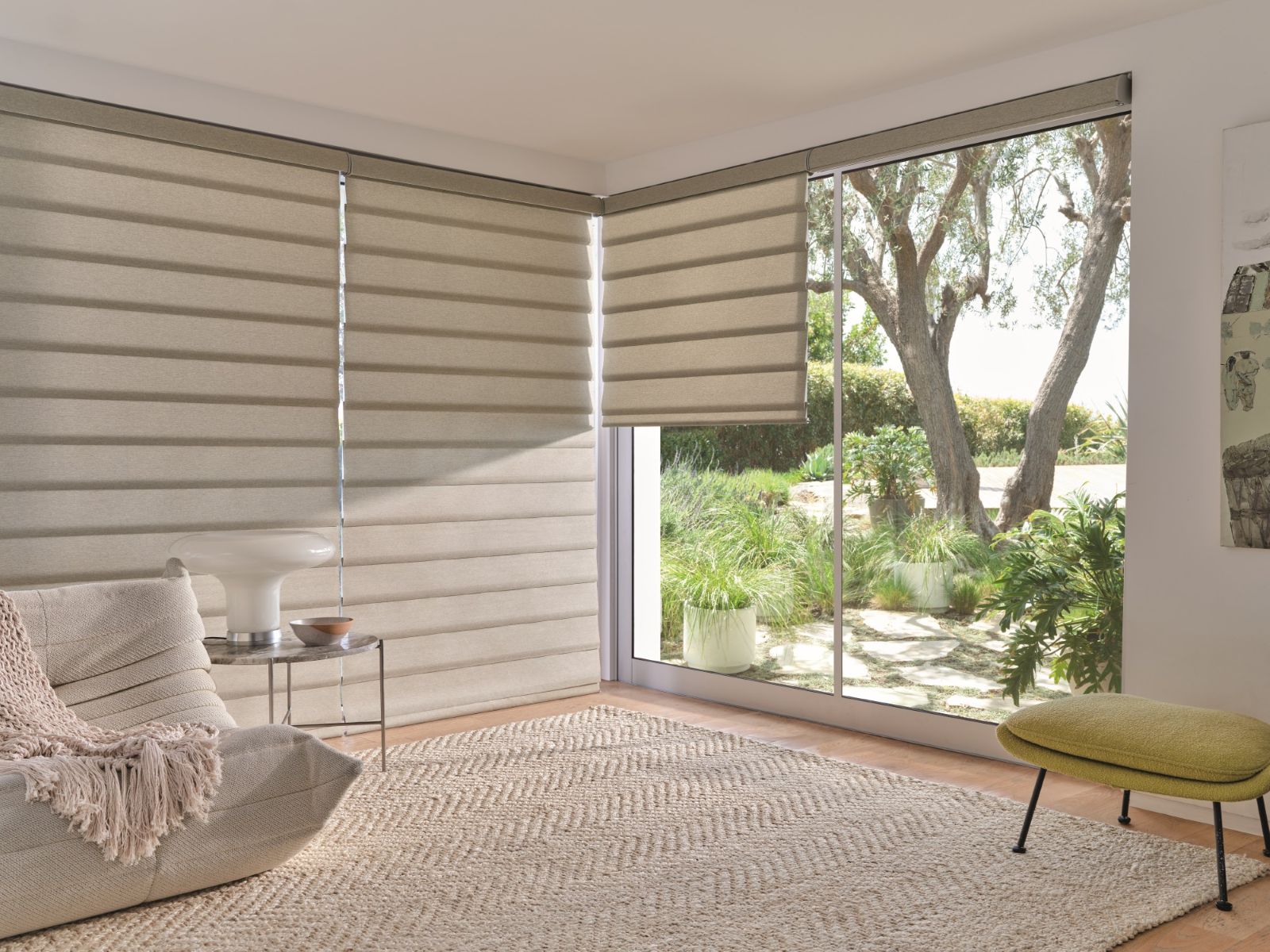
Vignette®
Roman Shades
Explore Vignette® →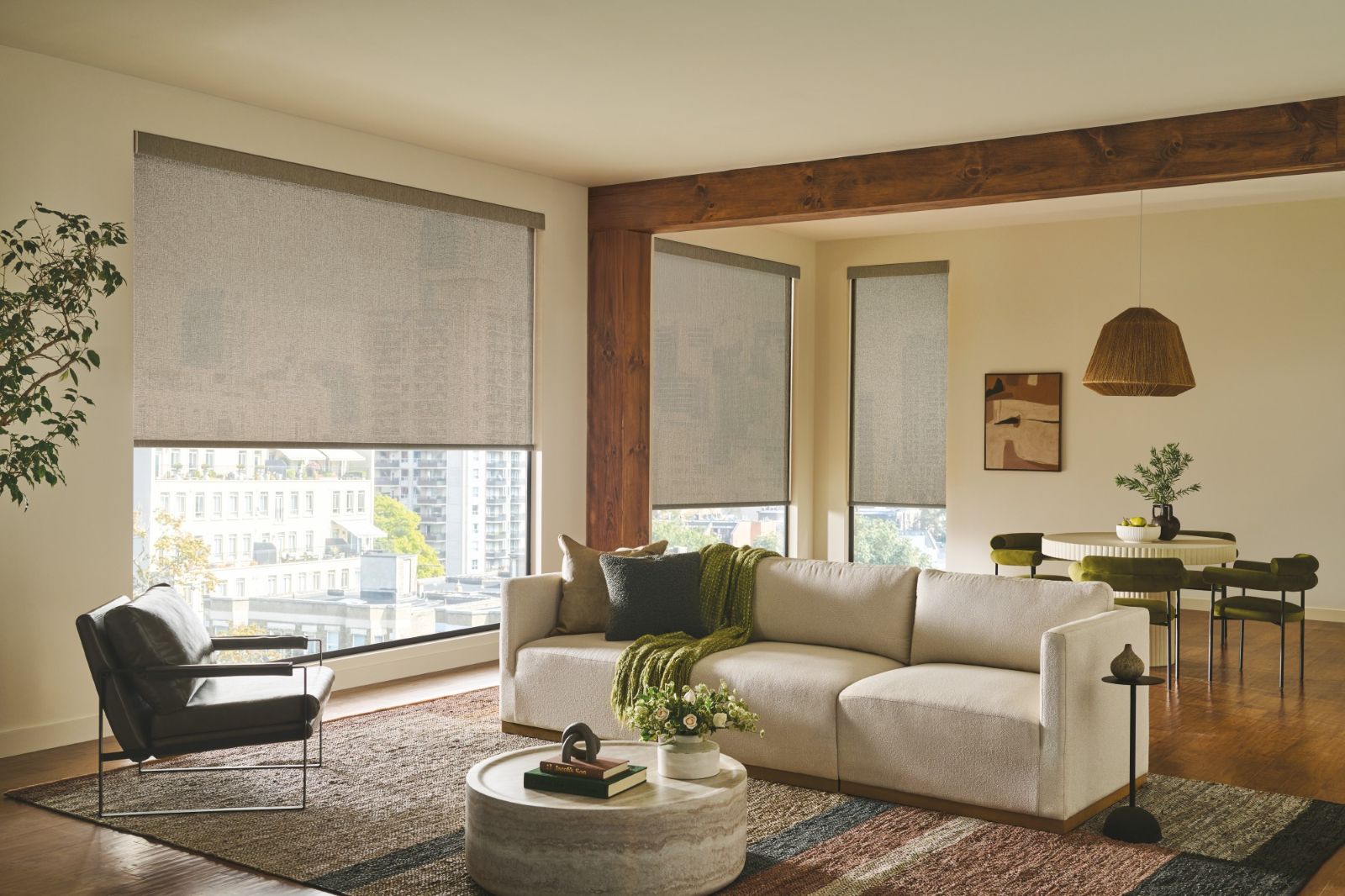
Designer
Roller Shades
Explore Designer →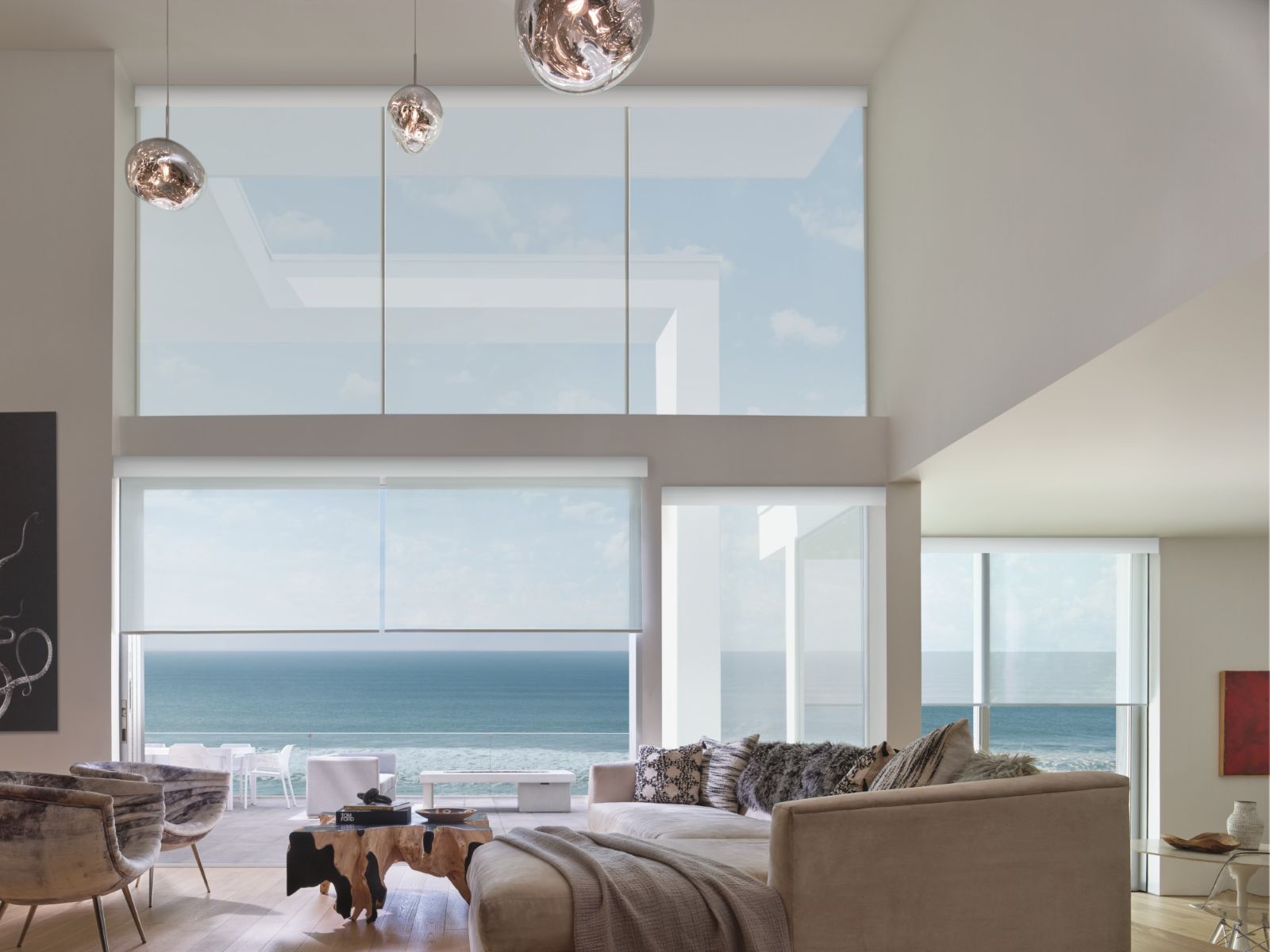
Designer
Screen Shades
Explore Designer →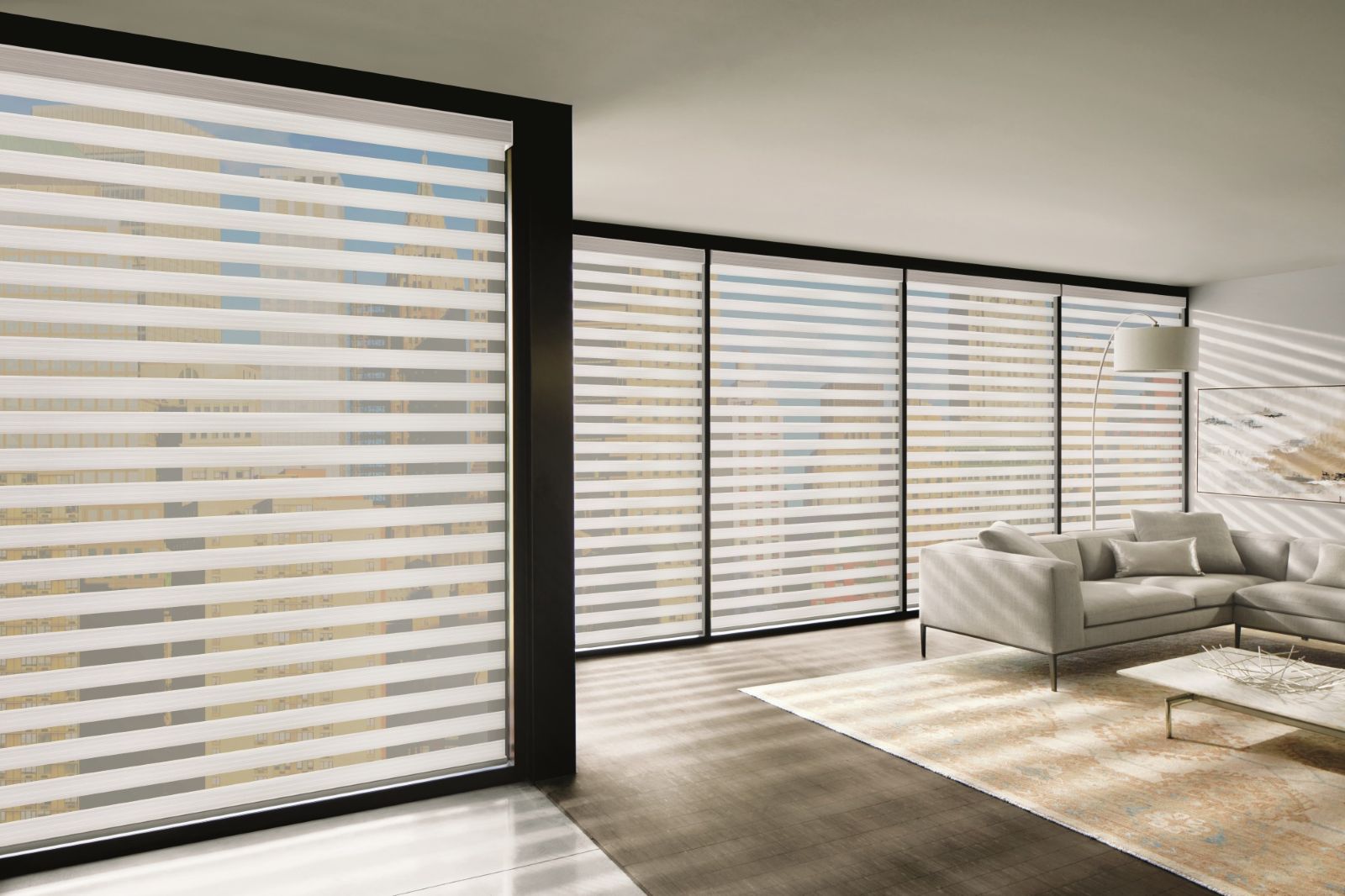
Designer
Banded Shades
Explore Designer →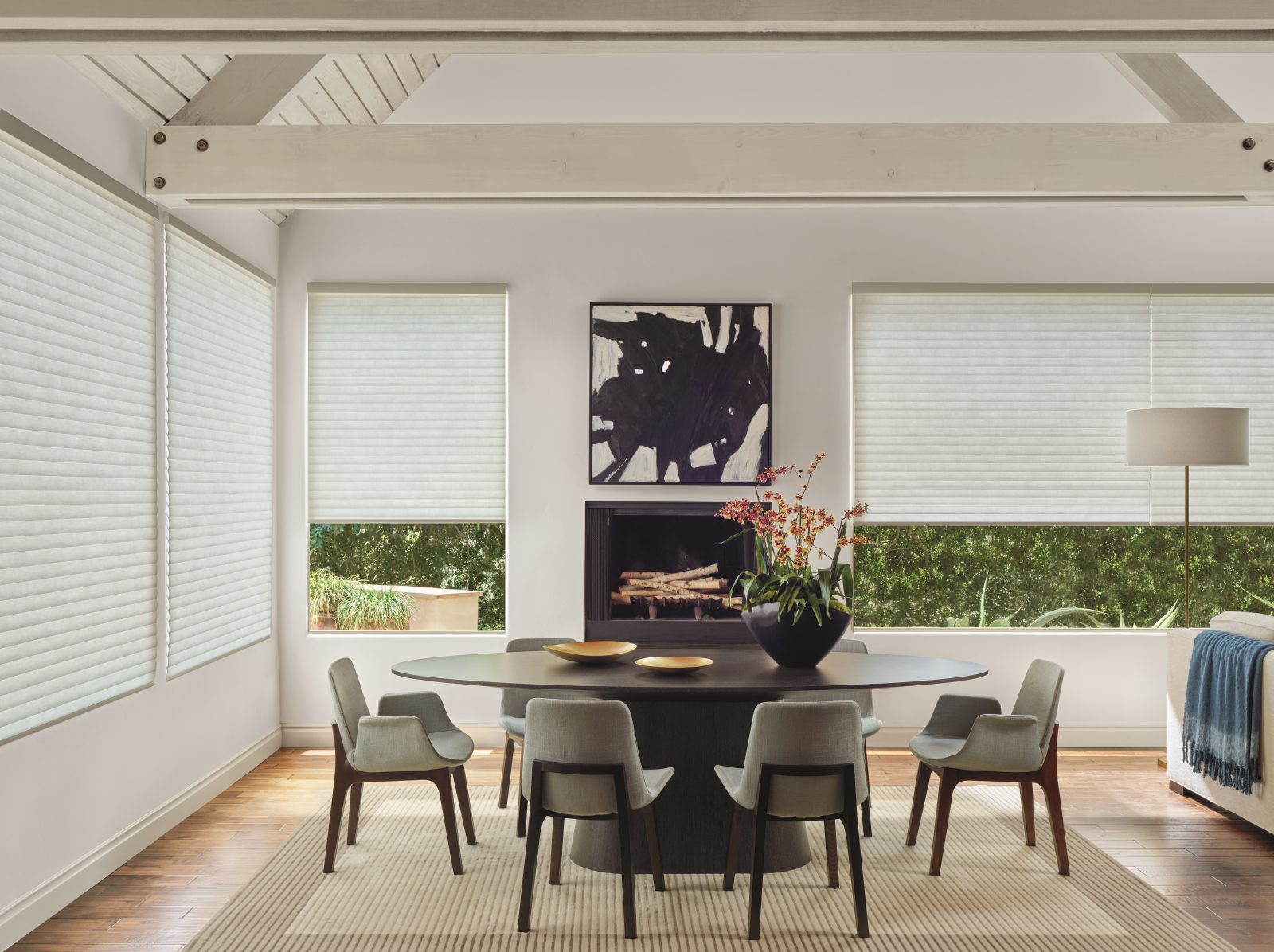
Sonnette®
Cellular Roller Shades
Explore Sonnette® →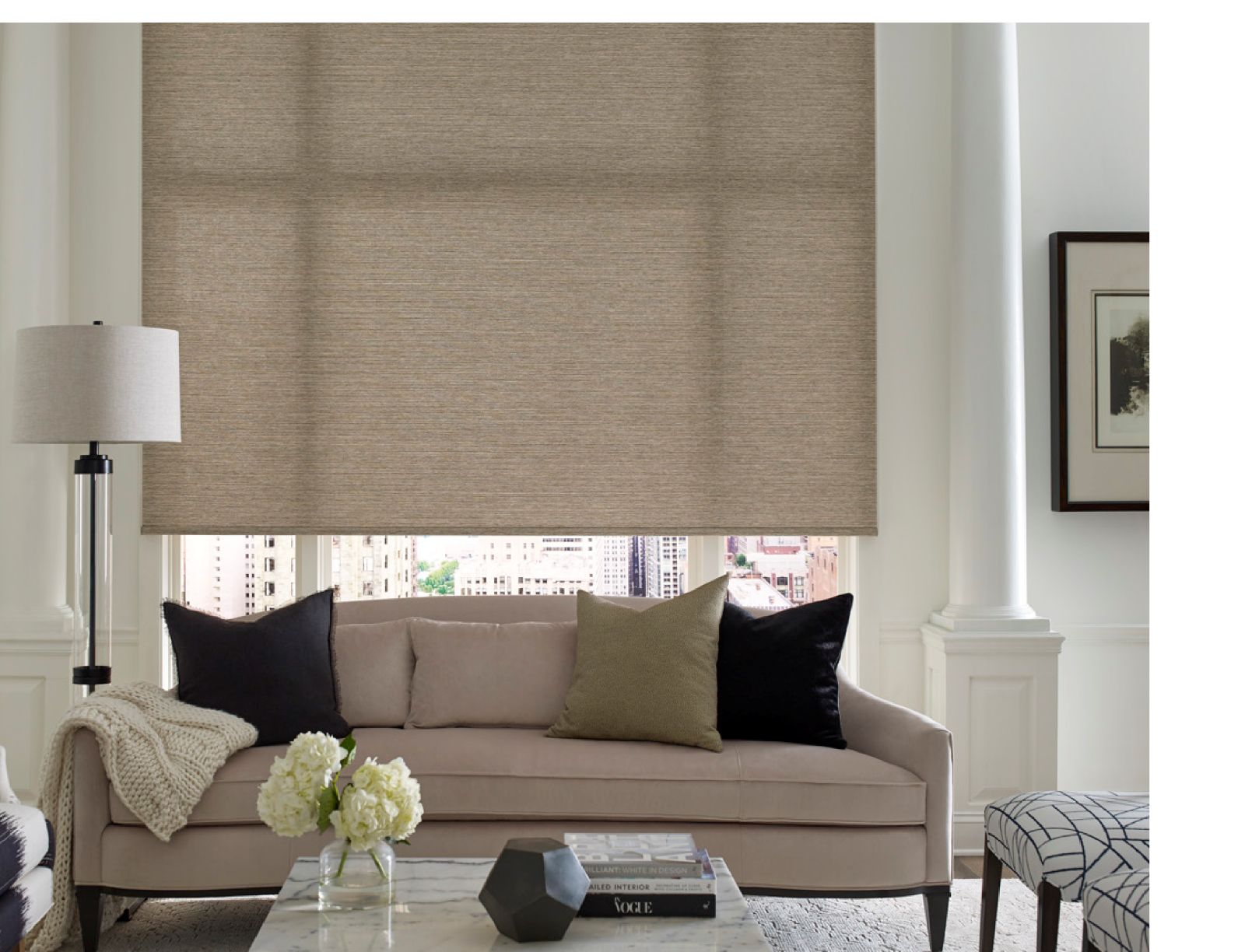
Alustra® Woven Textures®
Roller Shades
Explore Alustra® Woven Textures® →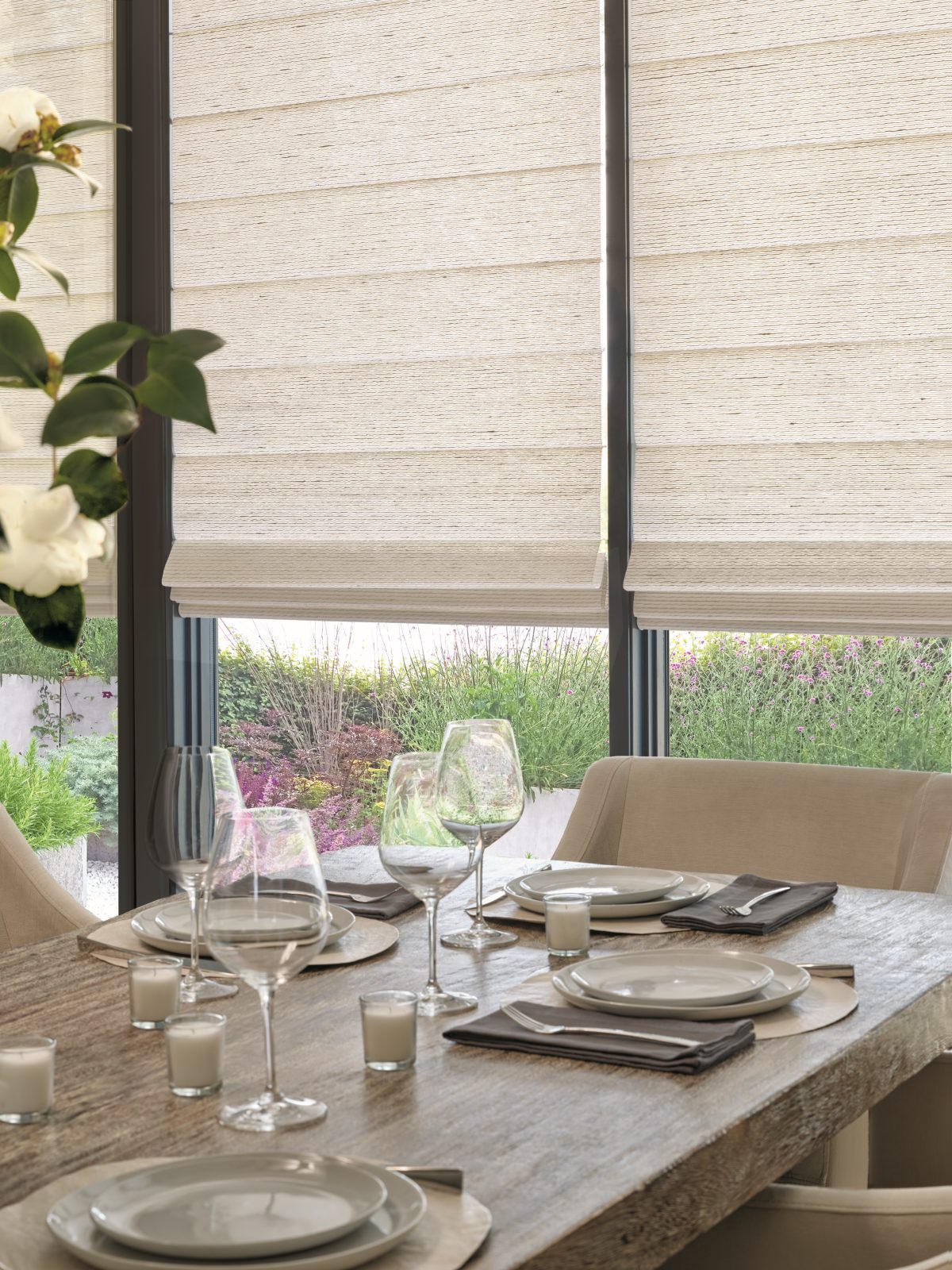
Alustra® Woven Textures®
Roman Shades
Explore Alustra® Woven Textures® →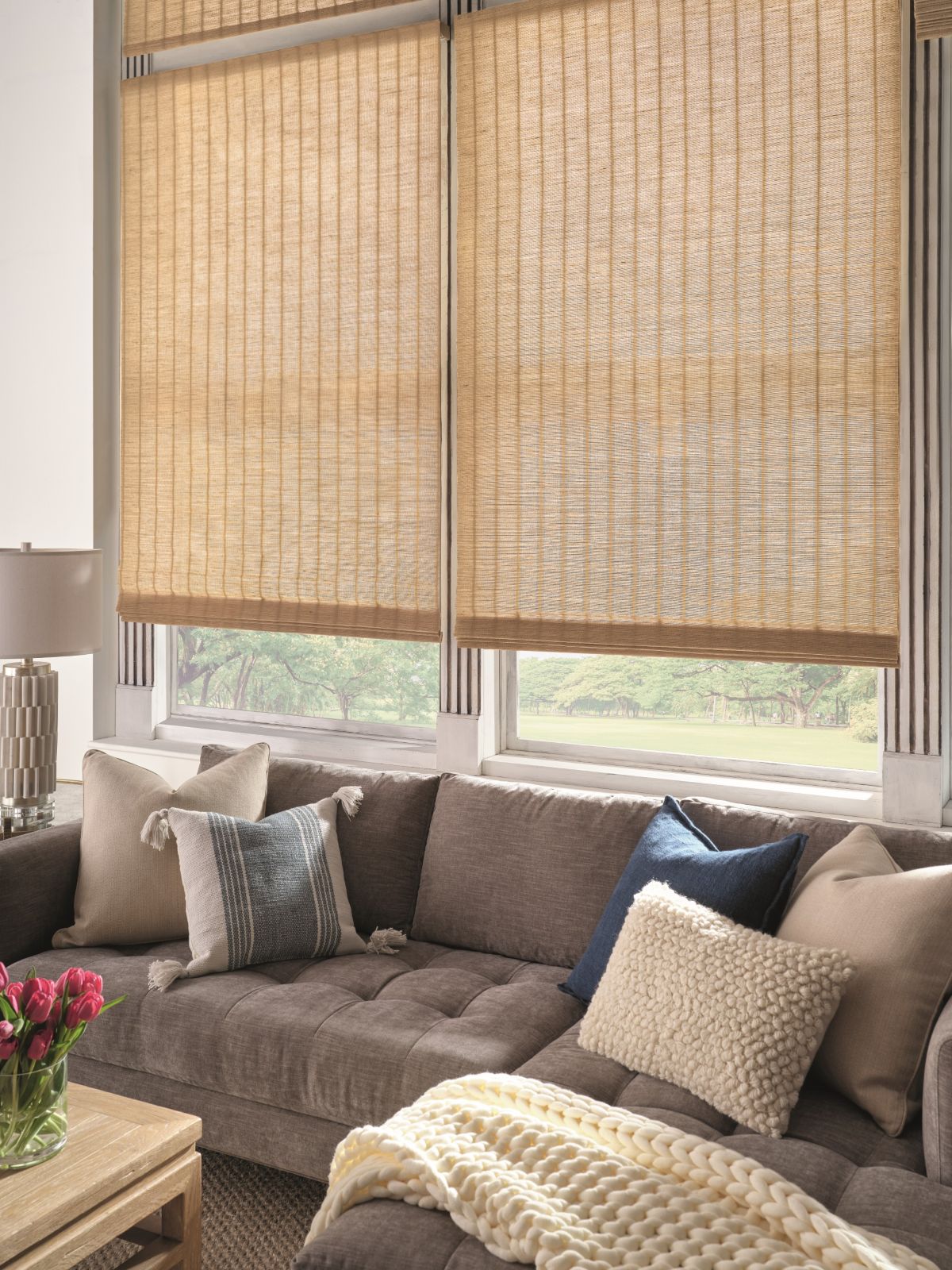
Provenance®
Woven Wood Shades
Explore Provenance® →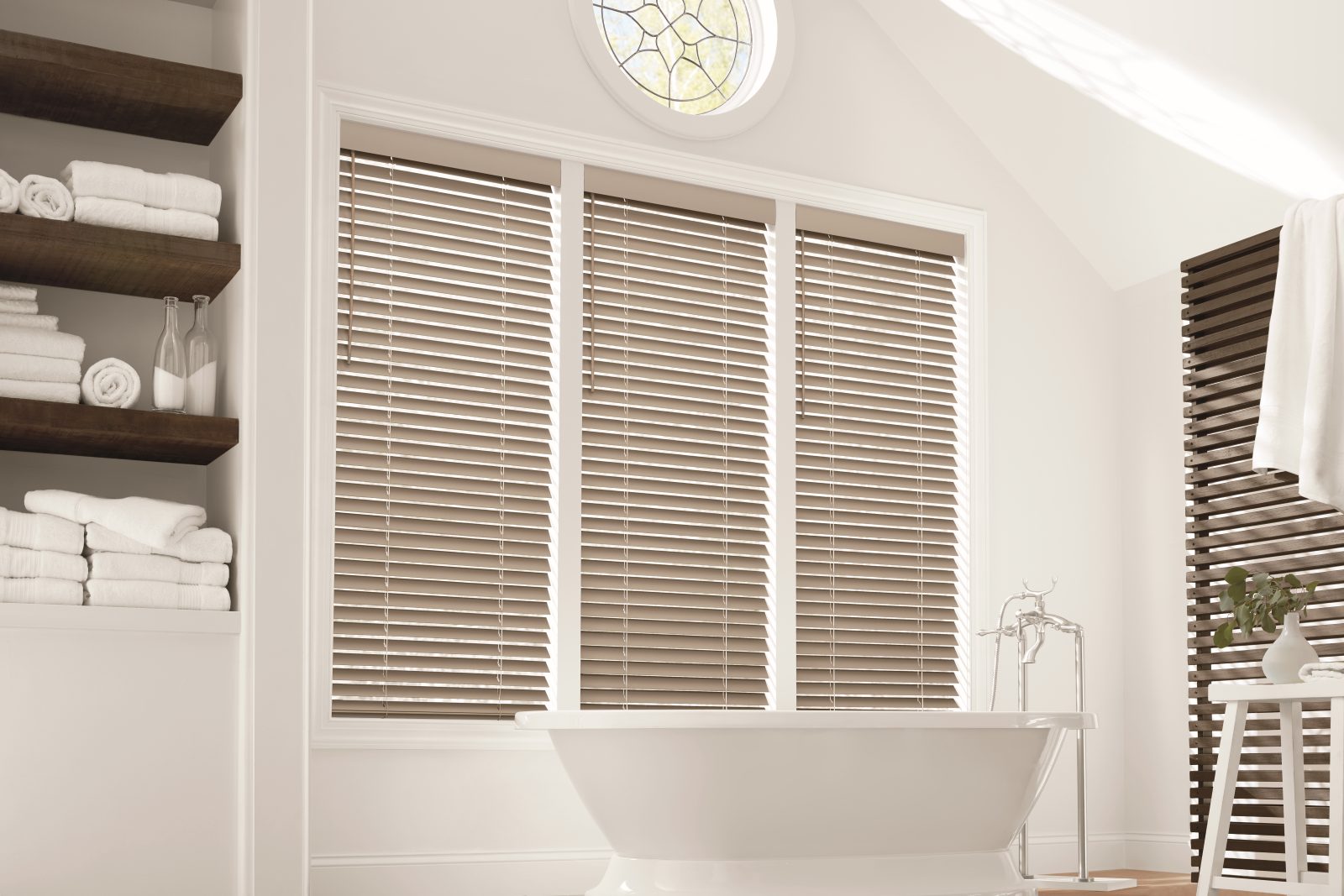
EverWood®
Faux Wood Blinds
Explore EverWood® →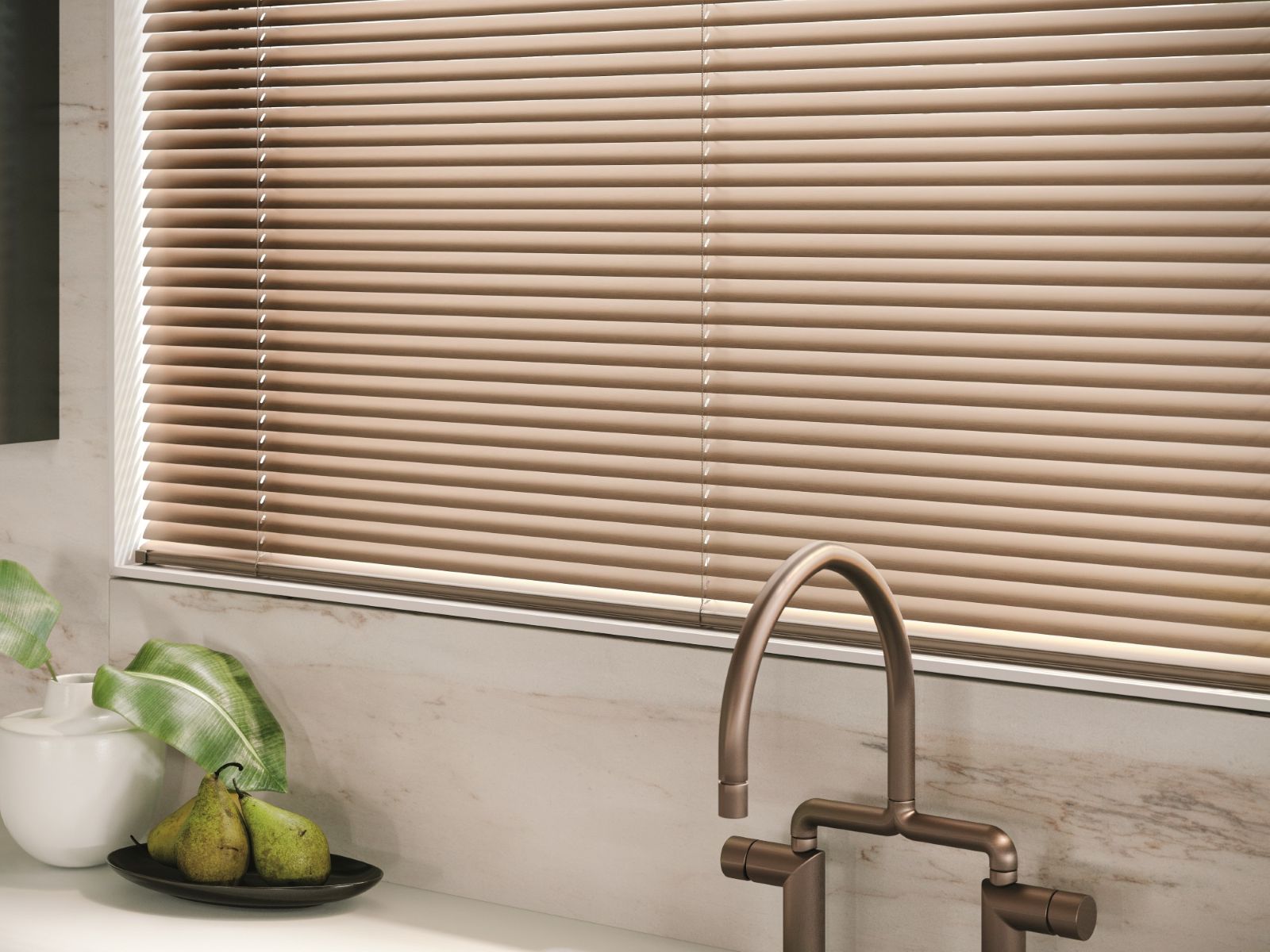
Modern Precious Metals®
Aluminum Blinds
Explore Modern Precious Metals® →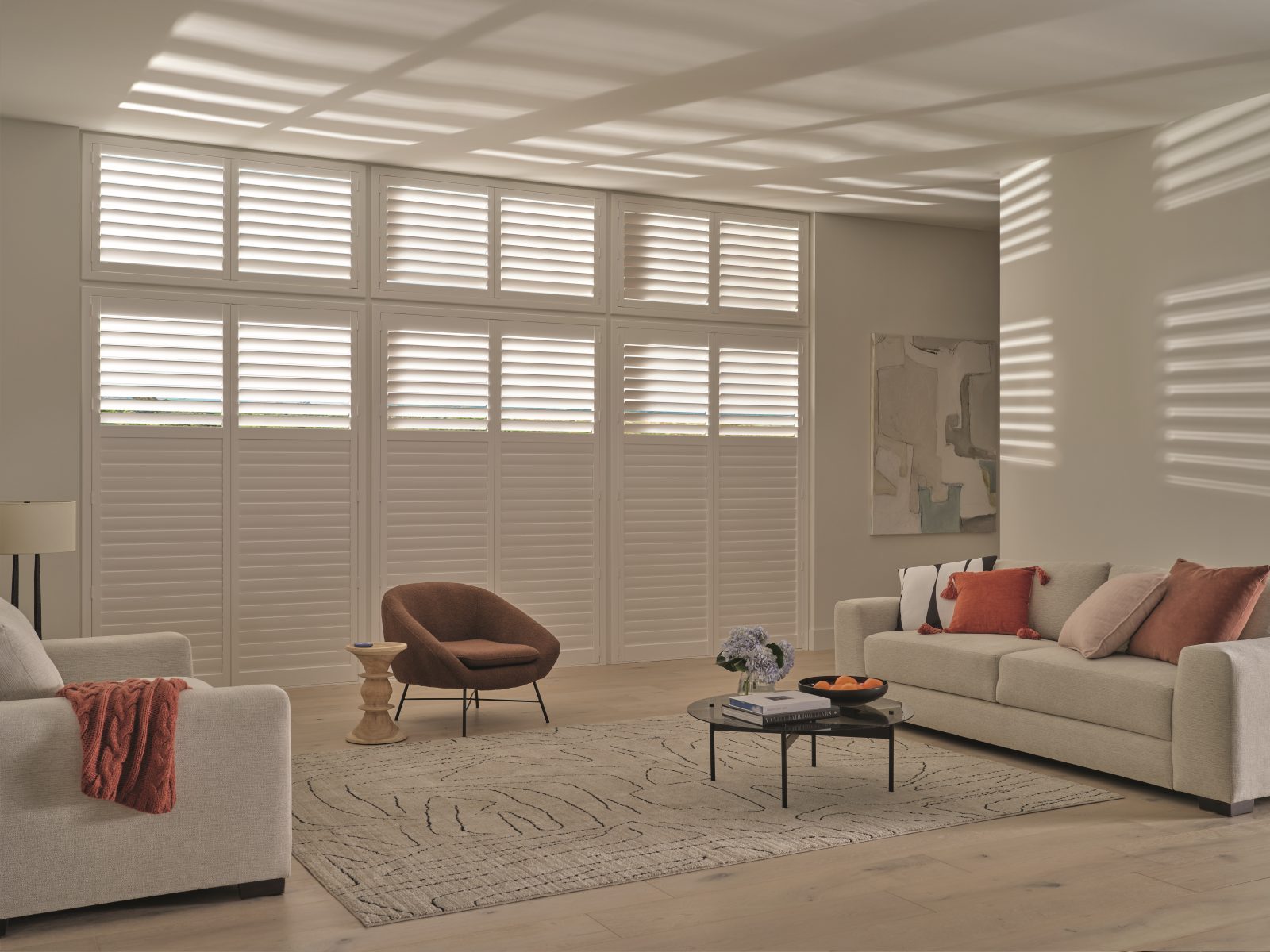
Palm Beach™ Polysatin™
Vinyl Shutters
Explore Palm Beach™ Polysatin™ →Questions
Motorization FAQ
A scene is a saved set of shade positions for one or more rooms — for example “Movie Time” closes the living room, while “Good Morning” half-raises the kitchen and dining room. Scenes can run at the press of a button or on a schedule.
Your Next Step
How would you like to get started?
Request a Consultation
Meet with a Perfectly Shaded design consultant in your home or by video. We'll measure, bring samples and recommend the right Hunter Douglas products for every room.
Request a ConsultationTalk With Us
Have a question about a product, motorization or your project? Reach out and a member of our team will help.
Call 732-314-3125